Want to learn AI? This beginner’s guide is for newbies with zero experience with AI, specifically Generative AI. It will give you a practical overview on how to use Generative AI and where to start.
This is the first part of the beginner’s guide series.
Read part 2 – How to Run Your Own Private AI Chat Locally (Beginner Guide)
Read part 3 – Prompt Building: Master the Art of Talking to AI
Read part 4 – Create Your Own AI Assistant: Customizing for Productivity
What is Generative AI?
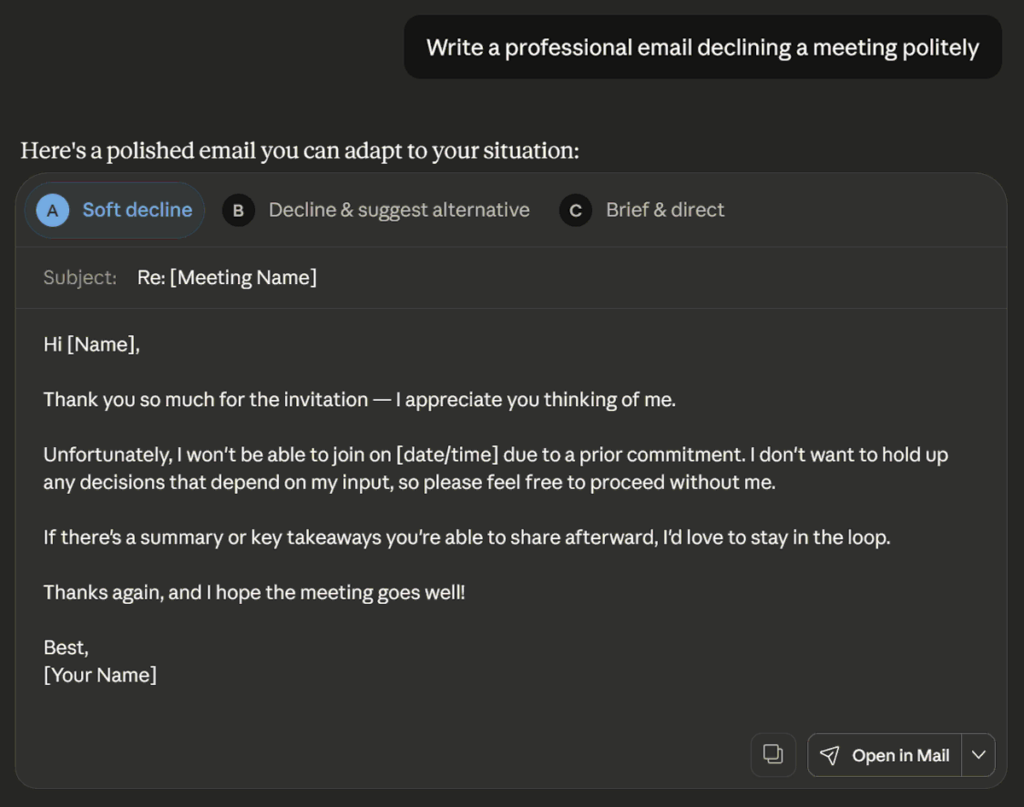
Generative AI (GenAI) is a type of artificial intelligence that can create new content — such as text, images, audio, video, or code — by learning patterns from massive datasets and generating original outputs that resemble what humans make.
While AI is not new, for the first time, AI is no longer hidden behind dashboards and backend IT systems. It’s right in front of us – writing, designing, coding, and responding in natural language.
The best part is that many are free. You can run most of them on your PC, or you can use them online for a fee.
Traditional AI vs Generative AI
To understand why Generative AI has moved from being a backend technology to a frontline creative partner, it helps to compare it with the earlier Traditional AI approach like Machine Learning across key areas: objective, example, data use, human role, and impact on work.
Objective
This defines what each type of AI is fundamentally designed to do.
- Traditional AI : Predicts, classifies, or scores data
- Generative AI : Creates new content, such as text, images, code, audio
Traditional AI focuses on analyzing existing data. Generative AI focuses on producing new outputs.
Example
This shows how each type of AI typically appears in real use.
- Traditional AI : “Is this email spam?“
- Generative AI : “Write the email for me.”
Traditional AI answers analytical questions. Generative AI produces creative results.
Data Use
This explains how each model learns from data.
- Traditional AI : Learns from historical data to analyze and make accurate predictions
- Generative AI : Learns patterns from large datasets to create new, original outputs
Both learn from data, but one predicts outcomes while the other generates new content.
Human Role
This highlights how people interact with each system.
- Traditional AI : Human interprets predictions and takes action
- Generative AI : Human collaborates through prompts and refinement
Traditional AI informs decisions. Generative AI involves humans directly in creation.
Impact on Work
This describes how each type of AI changes the way work gets done.
- Traditional AI : Supports data-driven decisions within systems
- Generative AI : Augments creativity and productivity
Traditional AI improves decision quality within systems. Generative AI enhances human creativity and productivity.
Summary
Here’s the summary of how Generative AI evolves from Traditional AI like Machine Learning.
| Key Areas | Traditional AI / ML (Machine Learning) | Generative AI |
|---|---|---|
| Objective | Predict, classify, and optimize existing data | Create, compose, and synthesize new data |
| Example Use Cases | Product recommendation, predictive maintenance, demand planning | Text generation, image generation, code writing, video synthesis |
| Data Use | Learn patterns from data to analyze and make accurate predictions | Learn patterns to generate new original outputs |
| Human Role | Human interprets model’s prediction and acts on it | Human collaborates creatively — gives prompts, iterates, refines |
| Impact on Work | Supports data-driven decisions | Augments creativity and productivity |
Traditional AI helped us understand and predict the world. Generative AI helps us create and extend it. Where Machine Learning optimized existing processes, knowing how to use Generative AI opens up new possibilities — from writing and design to customer experience and business automation.
3 Purposes of Generative AI
With the rapid development of Generative AI, it is easy to feel overwhelmed by the dozens of new AI tools introduced every month.
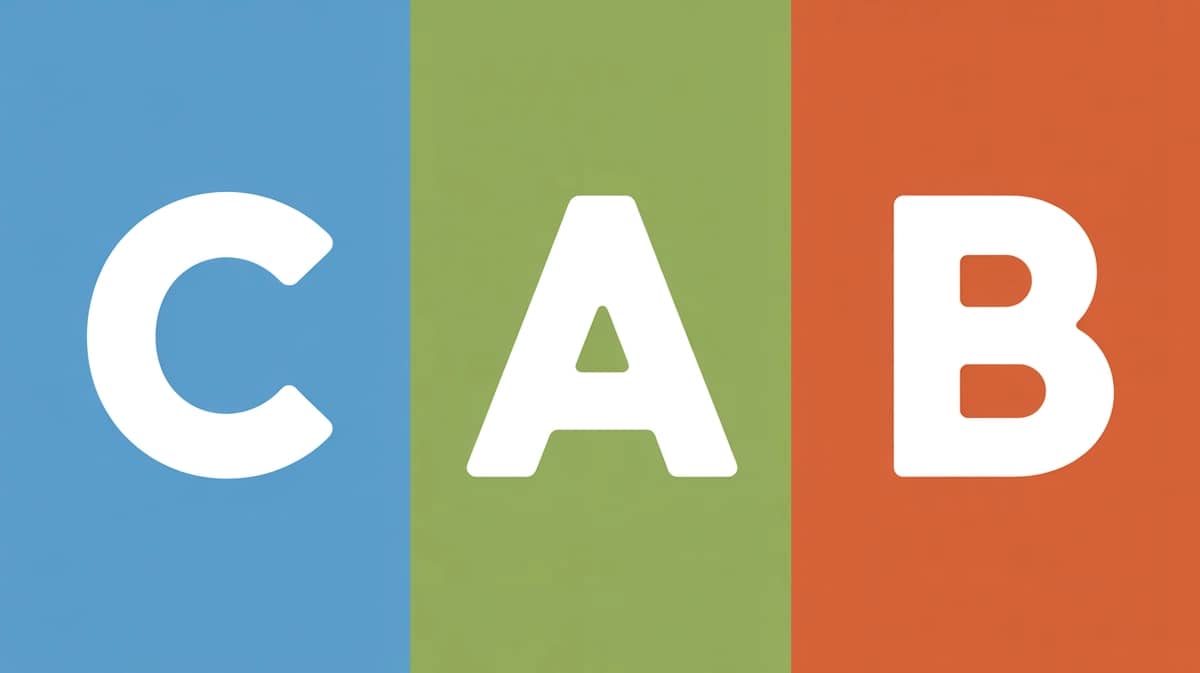
Almost all of these applications, regardless of their form, fall into three practical purposes — to Create, Automate, or Build (CAB).
Understanding these purposes gives you a structured way to think about how to use Generative AI — not just as a trend, but as something practical you can actually apply. Let’s break them down.
Create

Use AI as a creative partner to create new content and ideas.
- Output: Text, images, video, music, code
- Tools: ChatGPT, Claude, Midjourney, Stable Diffusion, Runway, Suno, etc
- Example: Visuals, brainstorming, creative exploration
This is the most visible side of Generative AI — and often the starting point for many people.
Automate
Use AI to automate multi-step repetitive tasks and workflows.
- Output: End-to-end task execution, automated responses, workflow automation
- Tools: Make, Zapier, n8n, etc
- Example: AI assistants, support chatbots, booking & scheduling tools
This agentic AI helps save time and reduce cost almost immediately.
Build
Use AI to build digital products or lightweight solutions.
- Output: Simple apps, internal tools, AI-powered systems
- Tools: Cursor, Bolt, V0, Replit, etc
- Example: Internal dashboards, knowledge portals, simple SaaS tools
This makes it easier and faster to test ideas, launch small tools, or build internal apps without large teams.
What’s Next?
You’ve just completed the first part of the beginner’s guide series.
Now that you understand what Generative AI is, how to use Generative AI through its practical purposes, and how it differs from Traditional AI, you can better evaluate new AI tools through the lens of Create, Automate, Build (CAB) framework.
This simple framework gives you a clearer way to think about how AI tools are actually used.
This article sets the foundation. If you’re completely new, start by using free AI tools like ChatGPT or Claude to create simple outputs — writing summaries, generating ideas, or drafting emails.
Once comfortable, move to automating small repetitive tasks. Then explore building lightweight AI tools to support your workflow.
Or continue to part 2 below.
This is the first part of the beginner’s guide series.
Read part 2 – How to Run Your Own Private AI Chat Locally (Beginner Guide)
Read part 3 – Prompt Building: Master the Art of Talking to AI
Read part 4 – Create Your Own AI Assistant: Customizing for Productivity